OBS Overlay Browser Source - Now with Smooth Animations!
We've just rolled out a major visual enhancement to the OBS Overlay browser source - animated profit tracking!
What's New:
- Profit/loss numbers now smoothly count up or down to new values (5 second animation)
- Uses smooth easing
- Works for both positive and negative changes
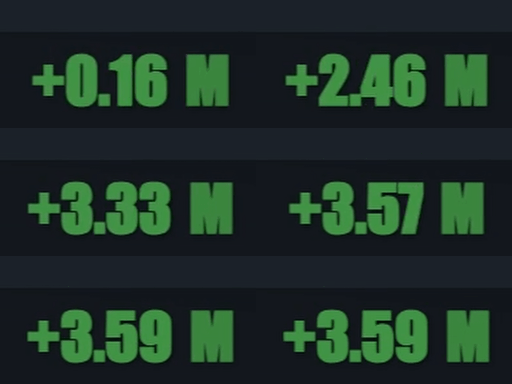
The Browser Source version updates (up to) every 30 seconds.
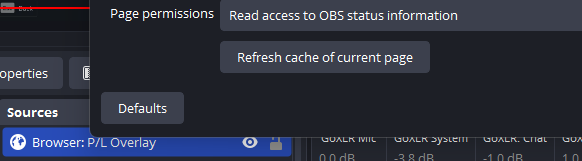
The update will happen on your next OBS restart, but if you want to force the refresh:
- Right click your Source for the browser overlay > Properties
- Click “Refresh cache of current page” (at the bottom):
🔧 Stash Capture Fix Available
Stats Sessions Closing Early
Fixed issue with stats sessions closing too early.
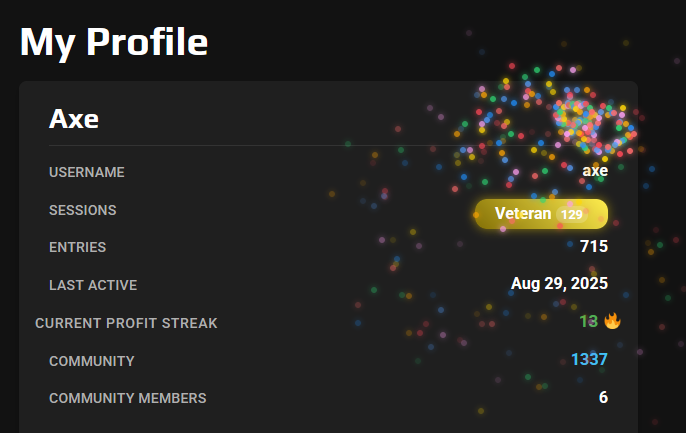
Profit Win Streak Celebrations
If you're on a profit win streak hover over your "Current Profit Streak"!
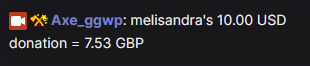
Chat Currency Convertor
Not sure what a 50 RON chat donation is worth in your currency? Now you can find out instantly with our handy Currency Converter - available for all Gold tier members.
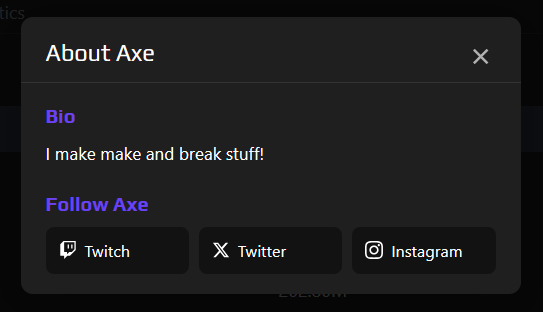
My Stats - Profile Info
You can now personalize your My Stats page with a new "About" section! Add a short intro about yourself and share your social links straight from your Account Settings page:
Analytics Dashboard Update
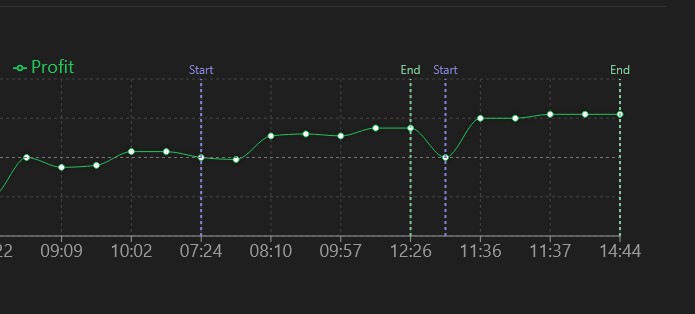
Added stats session start and end markers:
🎉 OBS Overlay - Now Live!
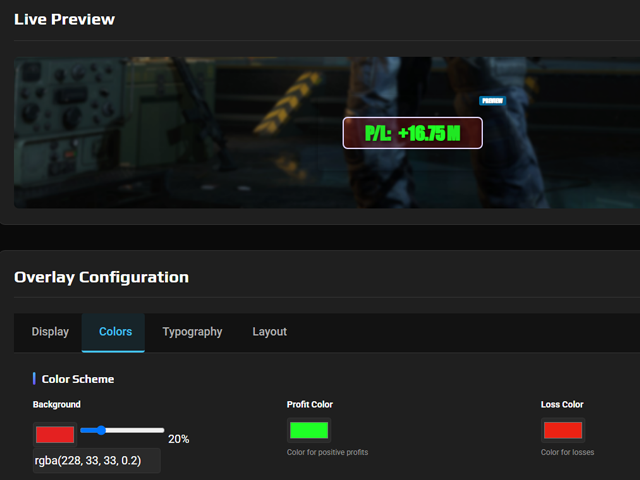
We're excited to announce that our new OBS Overlay feature is now live! This exciting addition allows streamers to display live profit tracking data directly on their stream through OBS Studio browser sources.
What's now available:
- Live profit updates that sync with your current streaming session
- Customizable overlay design to match your stream aesthetic
- Easy setup through OBS browser source integration
- Real-time data that updates automatically as you play
Current status: Fully launched and available to all users!
Available now: Check out the new "OBS Overlay" option in your dashboard menu to get started.
We're excited to see how this enhances your streaming setup! If you have any questions or feedback about the new overlay feature, don't hesitate to reach out.
Screenshot Processor Improvements
Fixed a bug with the screenshot uploader not always working.
Stats Session Timeout Increased
We've extended the automatic session timeout from 1 hour 20 minutes to 3 hours of inactivity. This gives you much more flexibility during longer streaming sessions!
What this means for you:
- Your stats session will now stay active for 3 hours after your last screenshot upload (instead of closing after just over an hour)
- Keep uploading regularly - the more frequently you upload screenshots, the better your profit tracking accuracy will be
- Your session only closes automatically after 3 hours of no uploads - so as long as you're actively uploading, your session stays open
- You can still manually end your session anytime using the "End Session" button